CΛNGGI
Interactive White Board School TV Touch Screen Monitor Interactive Display Smart Board Office
Interactive White Board School TV Touch Screen Monitor Interactive Display Smart Board Office
Free Shipping+Free Customs Duty + Free Wooden Frame
Specification:
Brand: CΛNGGI
Panel: Panel: Original BOE Brand Grade A Panel (4K)
Android: Android 14 or Above, 8GB RAM+128GB ROM
Windows: Genuine Microsoft Windows 10/11 Pro, 8GB RAM+128GB SSD
Dual OS: Android 14 or Above, 8GB RAM+128GB ROM + Genuine Microsoft Windows 10/11, 8GB RAM+128GB SSD
For other required functions that need to be customized, kindly chat with us for more details and availability.
Why choose us?
1. We are experienced in supplying this product to public schools, international schools, tuition centres, offices and halls from different states and area.
2. Our sales representatives are always ready to provide free consultation and quotations.
3. We always maintain highest integrity in doing businesses and also when promoting our products. We will advise and be very honest with the pros. and cons. of the product specifications and features during a sales consultation, to help our customers to choose the most suitable product at the most reasonable price.
Resolution (pixel) 4K 3840*2160
Touch Screen: YES
Aspect Ratio: 16:9
Tempered Glass: 4mm
Speaker: 8Ω10W
Side Panel Interface: HDMI input, HDMI output, VGA input, Line Audio In, AV In, USB Touch, USB Port, Line Audio Out, RF In
Front Panel Interface: HDMI input, USB Touch, TV USB. USB 3.0 Port
Touch Surface: Anti-Glare Tempered Glass
Touch Type: 40 Points IR Touch
Panel: Original LG Brand Grade A Panel (4K)
Condition: Brand New
Frequently Asked Questions (FAQ)
Q: What is the benefits and advantages of using this product?
A: You can present or teach in a more interactive way, you can also modify your works, add notes, and save the progress anytime.
Q: How to write or draw?
A: After connecting to your Windows PC, you can utilize the pen in software such as Microsoft Whiteboard, Paint, Presentation mode in Powerpoint, Microsoft Word, or PDF annotation and editor, then draw and write using pen or finger on the product's screen.
For Built-in Android, the Whiteboard App and other utilities are installed.
Q: How many types of installation method?
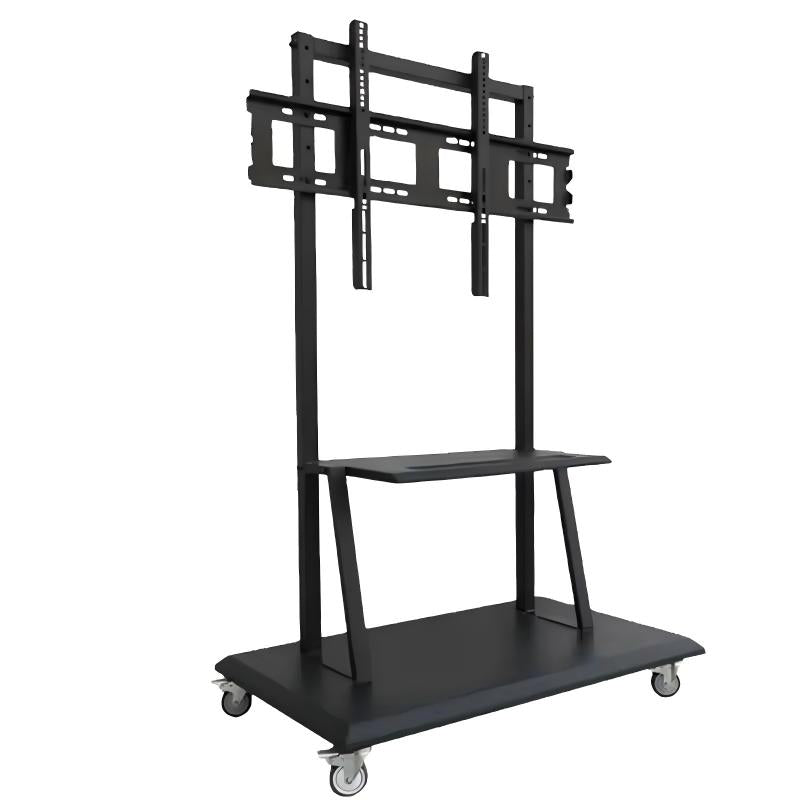
A: You can install it on a TV stand to make it portable or you can mount it on the wall.
Q: How long is the warranty period?
A: 1 year warranty.
Welcome to the future of education, meetings, and presentations.
Couldn't load pickup availability
Share